Sonic Dream Team ported to Android (and PC) AGAIN, without Vibecoding this time
Quick clapback at the clankers
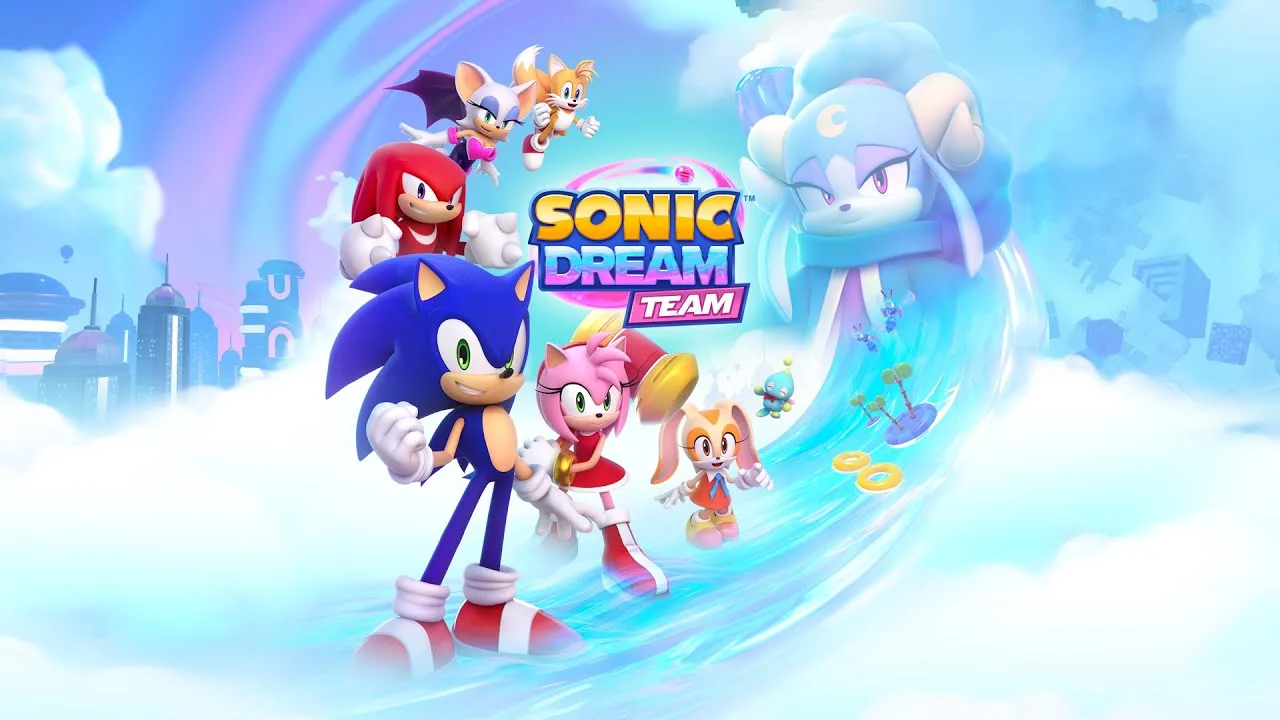

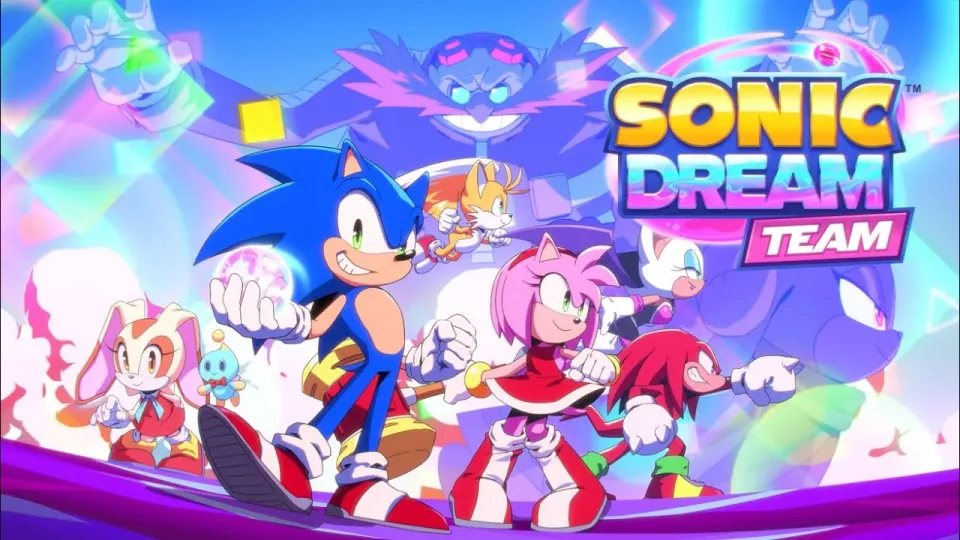
Literally 3 days after the release of the unofficial vibecoded Sonic Dream Team port for Android, now there's a new one developed without AI, and it's called Project Dream.
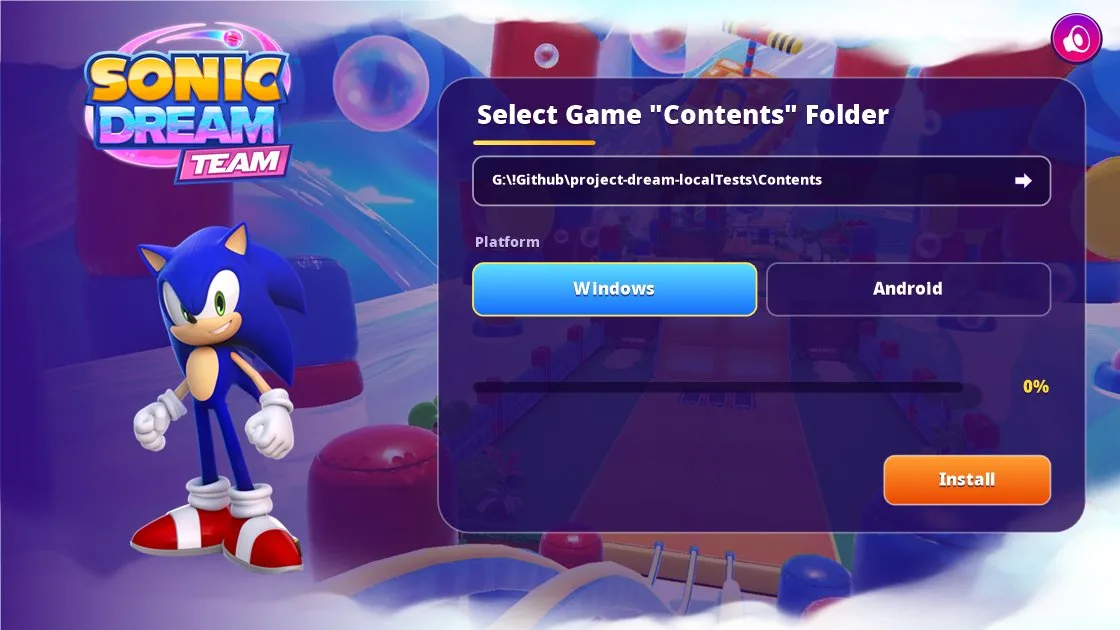
It was created by Beatz (@BeatzYT3 on X/Twitter), and it's been in the works for a while. It doesn't contain any game files; instead, it's basically an installer that you run on a Windows PC to build the port using files that you provide yourself (specifically the macOS version of the game), for Android or PC.

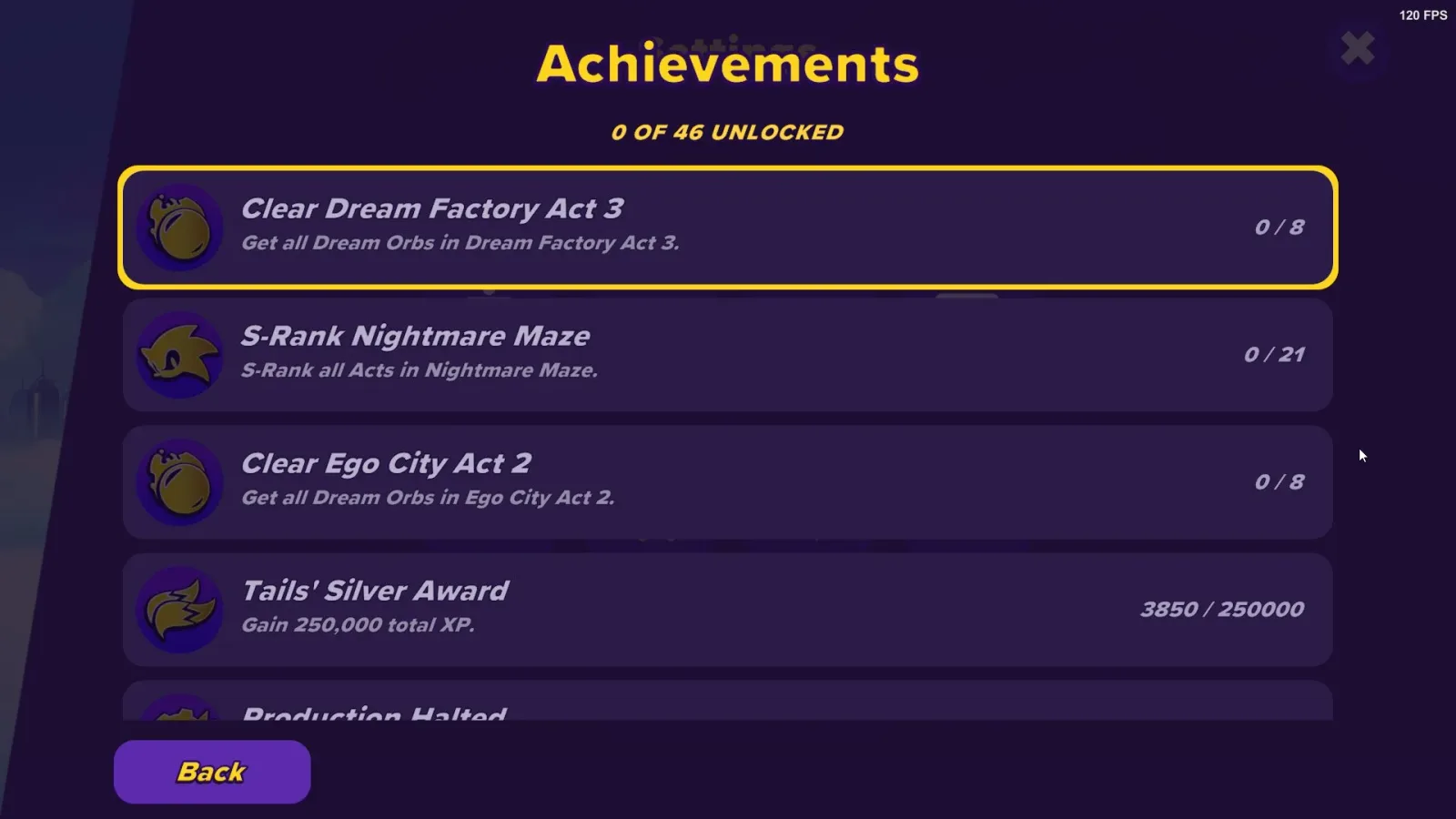
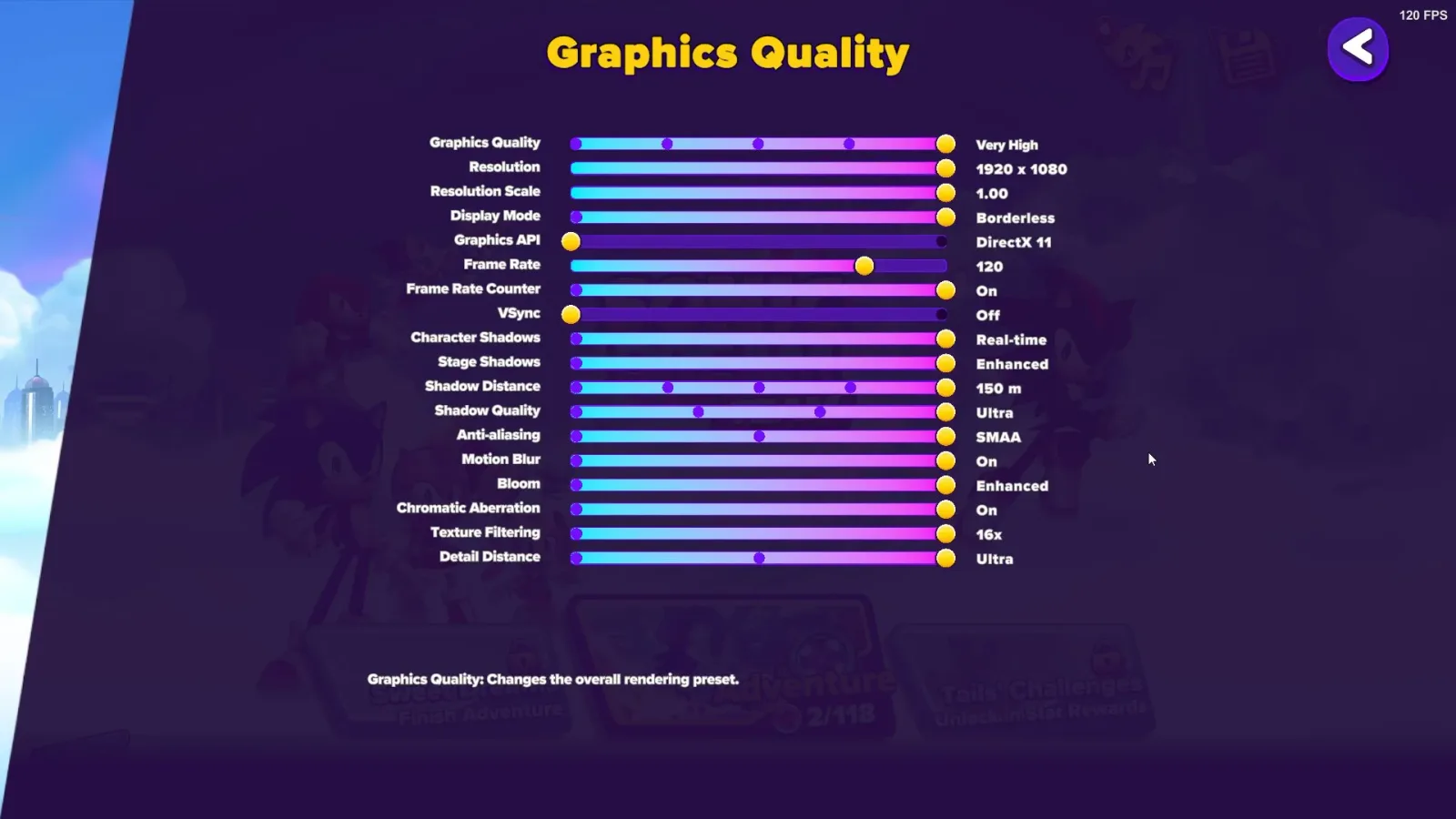
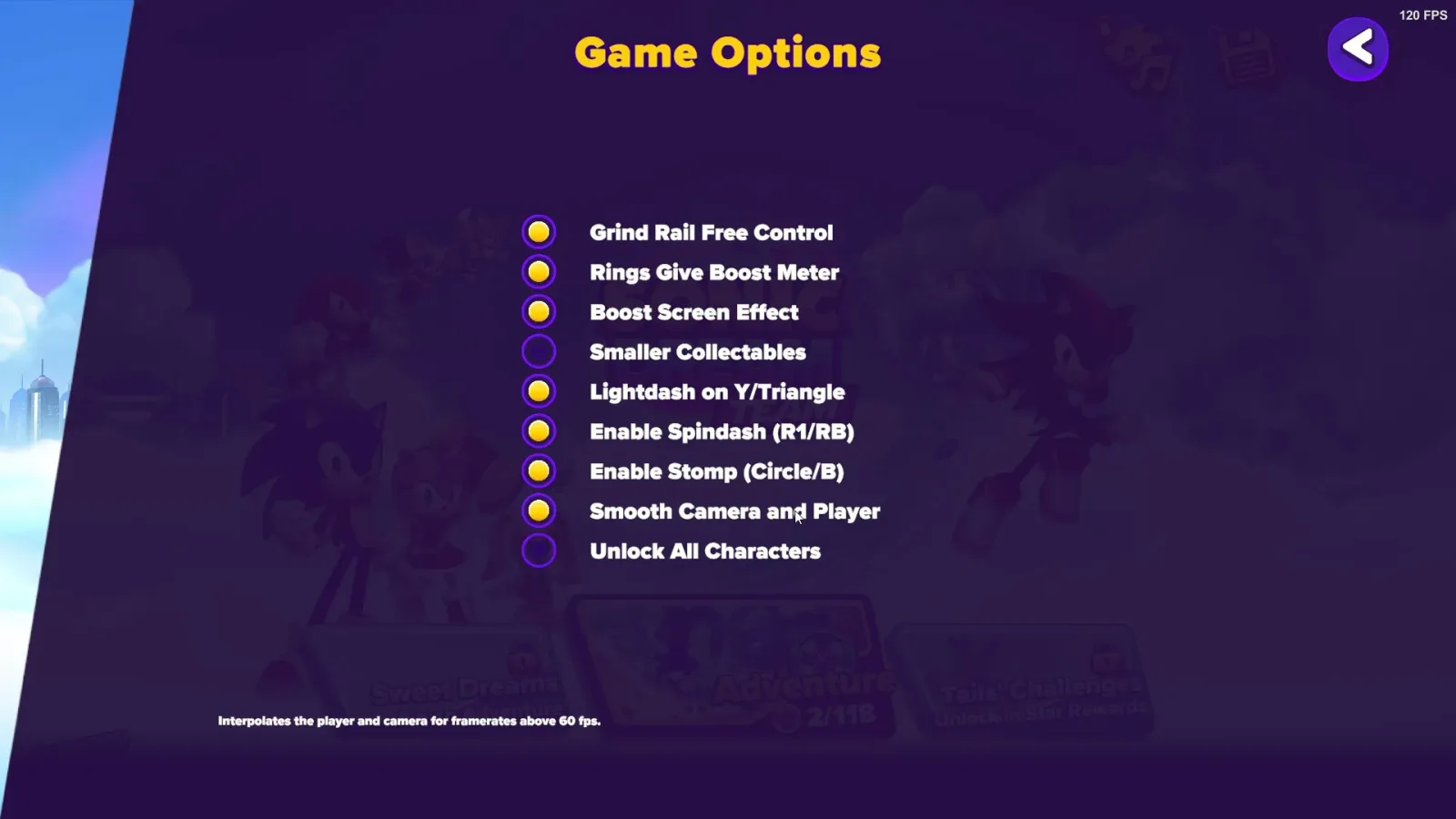
This version also contains some new custom updates, such as an Achievement Tracker, quality of life graphical features, extra accessibility and more.
Graphics wise, the Android version supports OpenGL & Vulkan, while the PC version supports DX11 & Vulkan.
Official usage guide
Using Project Dream Installer
- Get the macOS version of Sonic Dream Team (
SonicDreamTeam.app) only tested on 1.10.1 version.- Run
Project Dream.exe.- Browse to
SonicDreamTeam.appand selectContentsfolder.- Select your platform either Windows or Android.
- Click Install and wait for it to finish building.
Android: the APK and OBB are saved in
Project Dream AndroidbesidesProjectDream.exe.
- Install
SonicDreamTeam.apkon your device.- Create the
com.sonicdreamteam.androidfolder insideAndroid\obb\com.sonicdreamteam.android- Copy
main.1.com.sonicdreamteam.android.obbtoAndroid/obb/com.sonicdreamteam.android/on the device. The first Android build downloads the Android SDK, NDK, JDK and Unity Android player into anAndroidToolsmake sure you have atleast 3GB of free space.
Games in this story

SourcesProject Dream on Gitlab (opens in a new tab)Beatz on X/Twitter (opens in a new tab)